
Projects, tasks, and team chat, in one place.
Organize work on a Kanban board, track priorities and due dates, and message your team directly — all updating in real time.
Everything your team needs, together
Projects, tasks, chat, and notifications — working together instead of scattered across separate tools.
Projects & tasks
Break work into projects, then tasks with priorities, due dates, and subtasks — organized on a Kanban board.
Real-time by default
Task moves, comments, and chat messages appear instantly for everyone in the workspace — no refresh needed.
Team chat, not just comments
1:1 and group conversations with images and voice notes, kept separate from task discussion.
Role-based access
Owners and Admins see the whole workspace. Members and Viewers only see what they're added to.
Notifications that link back
Every notification — assigned, mentioned, due soon — deep-links straight to its task or workspace.
Tags across the board
Color-coded, per-workspace tags for filtering and grouping tasks and projects alike.
See it in action
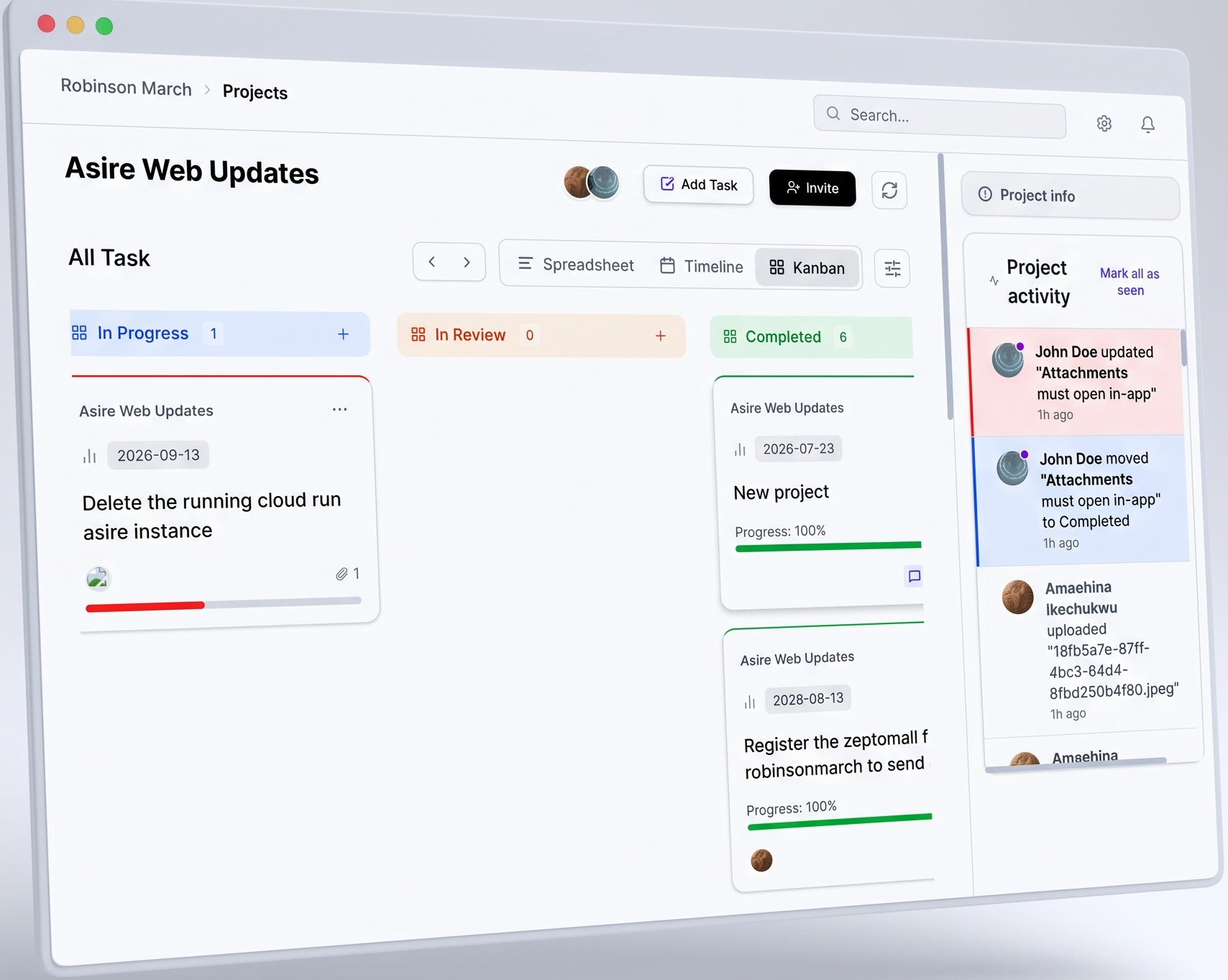
Watch work move.
Status changes animate between columns as your team updates tasks — a live board, not a static list.
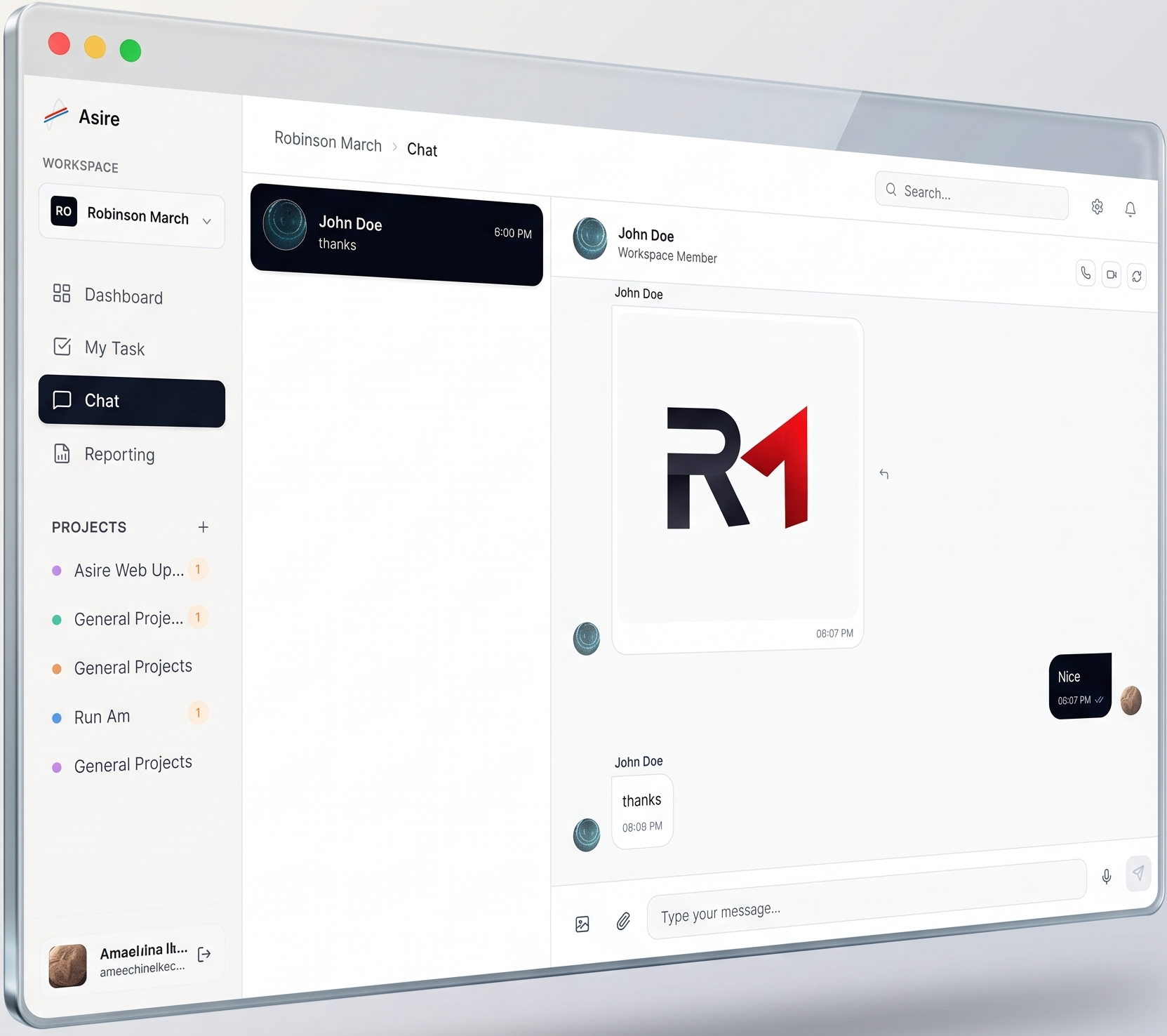
Chat that feels like chat.
Text, images, and voice notes with reply-to-message — a real messaging surface, not a comment box bolted onto tasks.
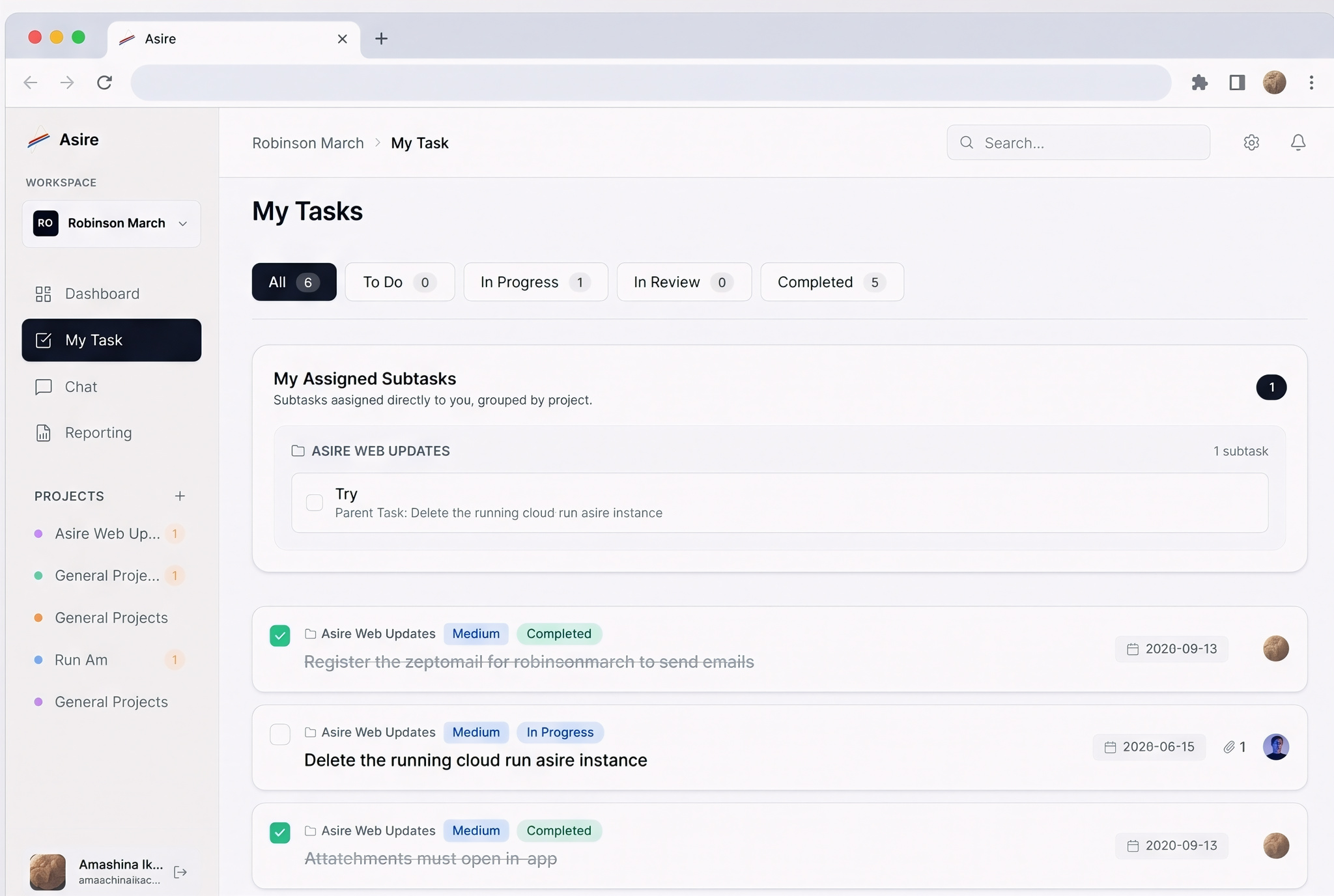
Every task, exactly where you left it.
Filter by status, see progress at a glance, and pick up subtasks assigned directly to you — all from one focused list.
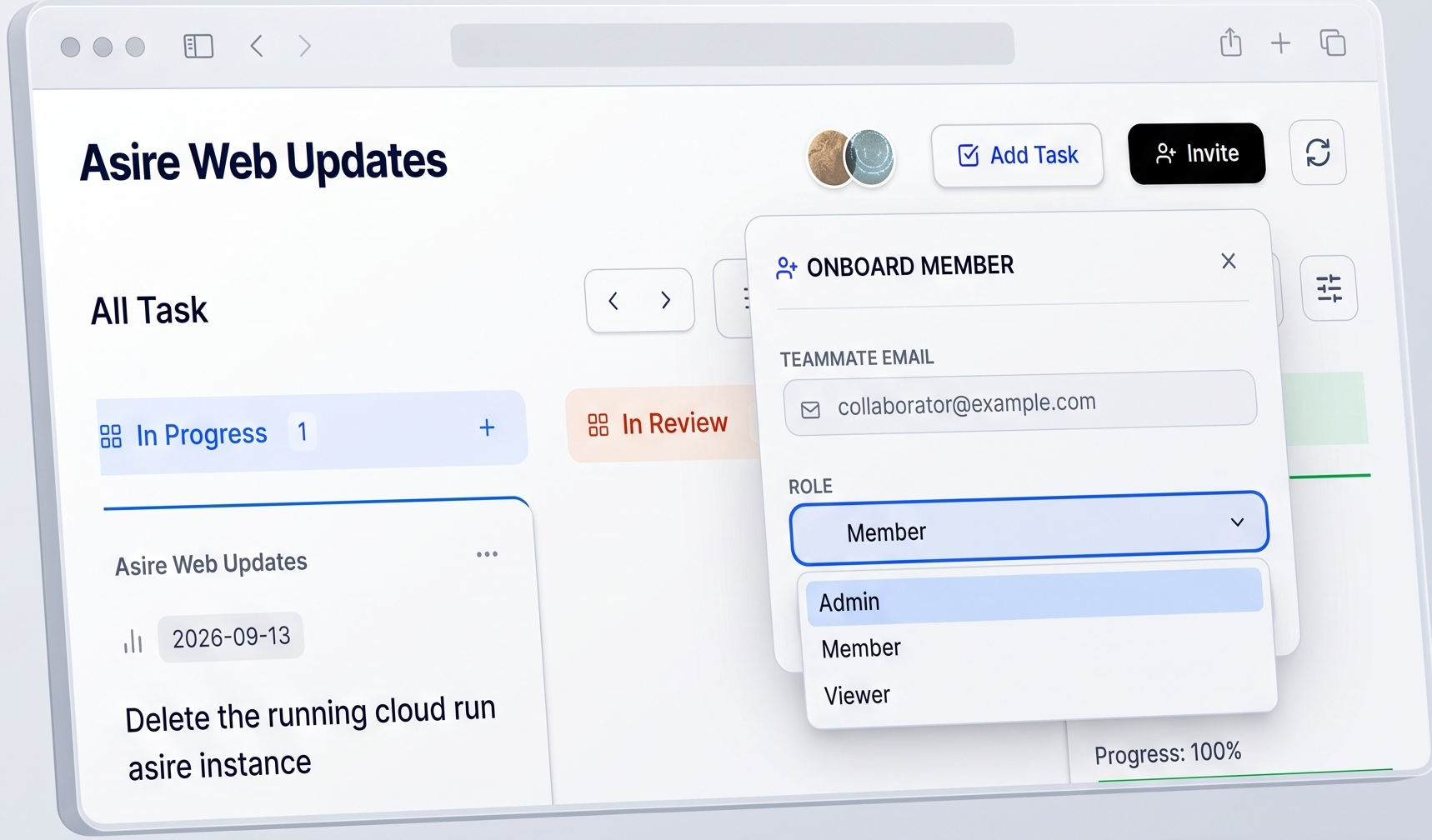
Bring people in, safely.
Invite a teammate by email and set their role — Admin, Member, or Viewer — right from the workspace.
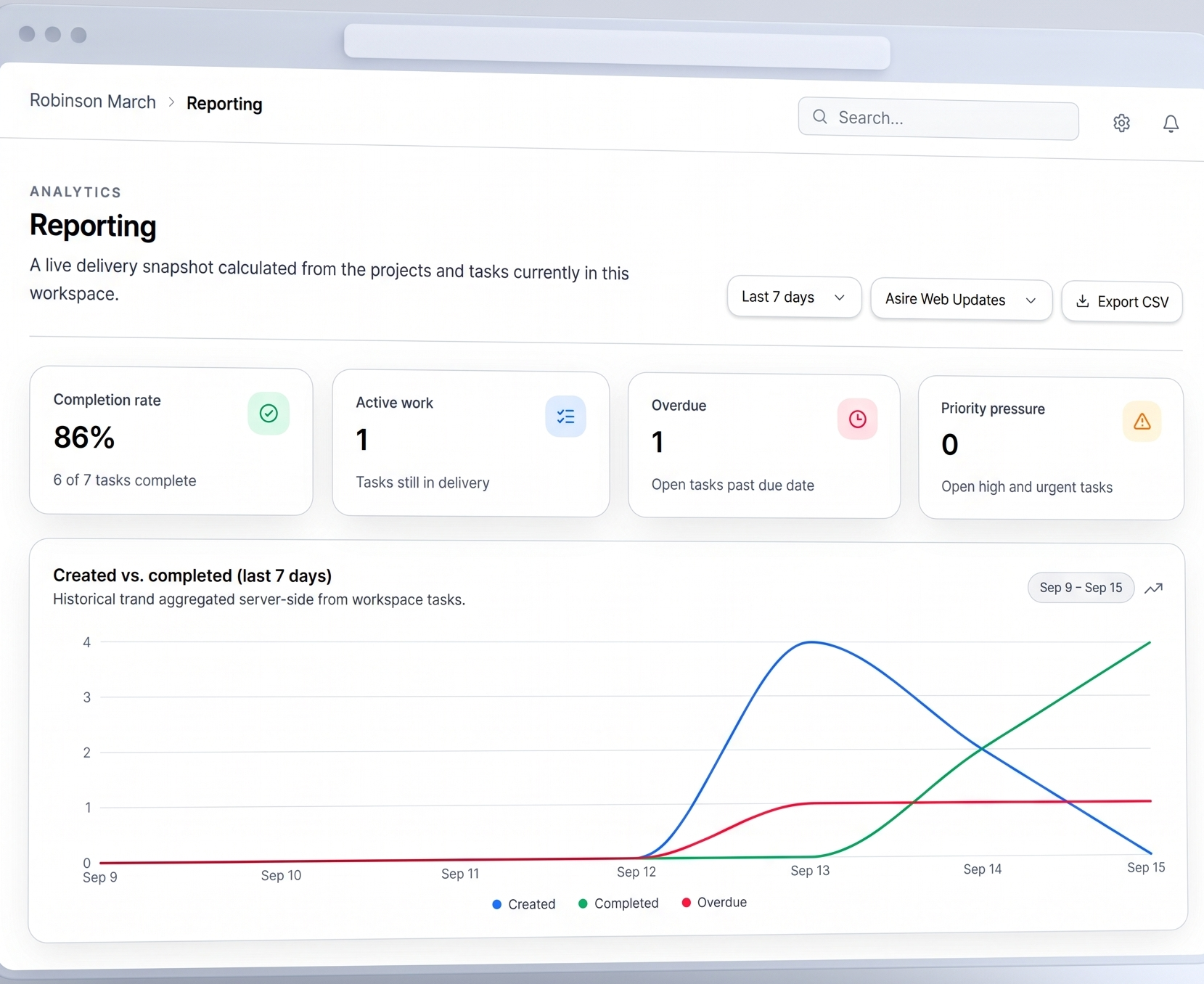
Know where delivery stands, instantly.
Completion rate, active work, overdue items, and a created-vs-completed trend — calculated live from your workspace.
Questions
Is Asire built for external clients too?
No, Asire is scoped to one company’s internal teams. There’s no client-facing or multi-tenant concept.
Can I invite someone who doesn’t have an account yet?
Yes. Invite by email and they’re added automatically the first time they sign in.
How real-time is "real-time"?
Every workspace keeps a live connection open. Task changes, comments, and chat messages push to everyone viewing that workspace instantly.
What can Members and Viewers see?
Only the projects they’ve been explicitly added to. Owners and Admins see everything in the workspace.
Is reporting or a calendar view available?
Reporting is available now — completion rate, active work, overdue items, and a created-vs-completed trend, calculated live from your workspace. A calendar view is on the roadmap next.